

01 · Client added
Client enters SteadyFlow
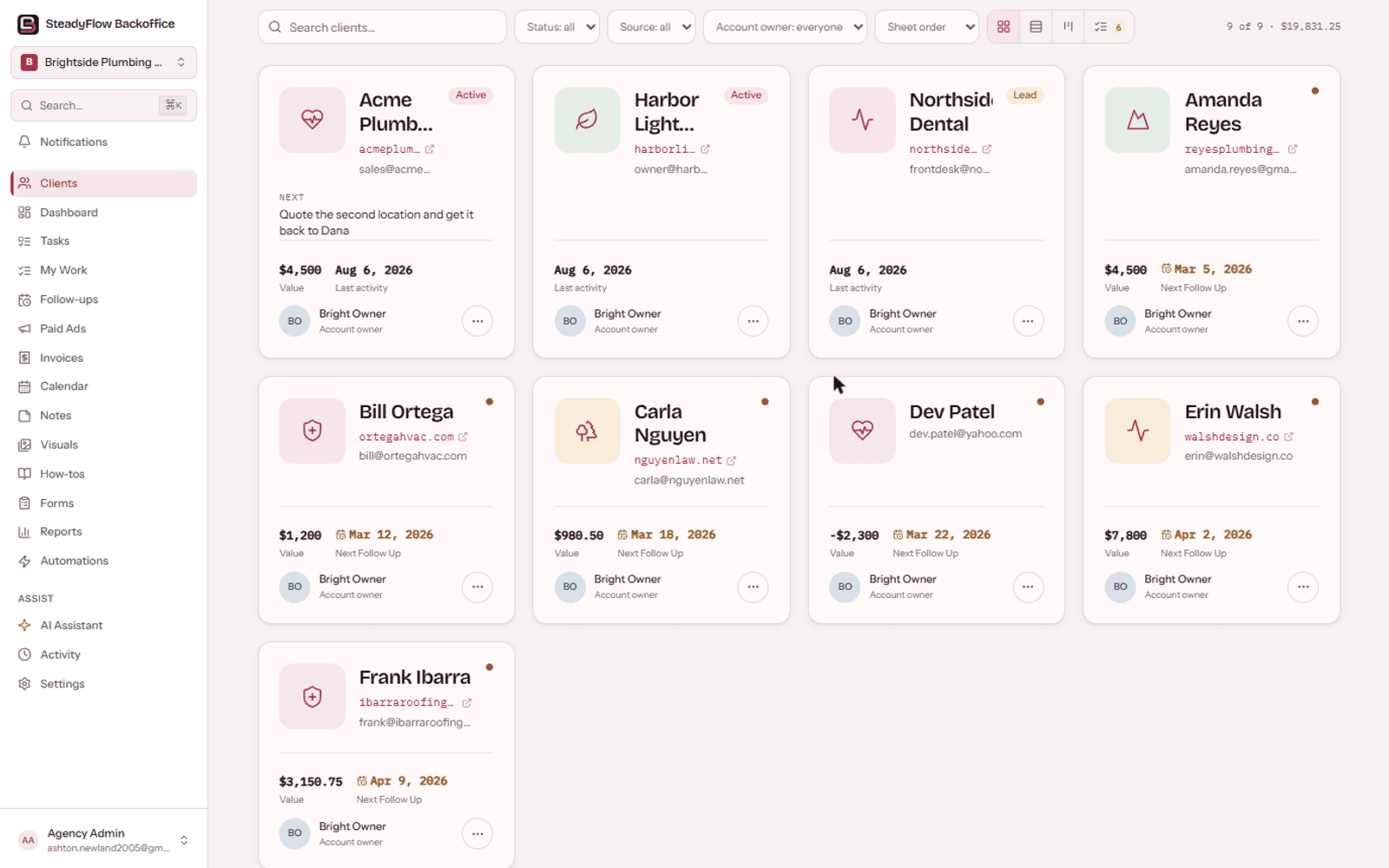
The relationship starts with one client record: ownership, status, contact context, and the next meaningful action.
ContextEverything on this page is the live product photographed on a demo workspace. No mockups, no concept art. This is what your team logs into.
Clients is the front door. Cards, a list, or a board you drag across, with the numbers for the whole book above them. It is the answer to who we work for and what they are worth, without opening anything.
Open a client and you land in something you write in. Post a dated update, tick a task off, record what was decided. It builds itself the first time you open it, and it is still there next quarter when somebody asks what you agreed.
SteadyFlow watches the dates you already keep and works out which clients have gone quiet, which are blocked, and which nobody owns. Then it says so in a sentence rather than colouring in a score.
Daily, weekly and monthly lists, shared with the team. Anything you leave unticked is still on tomorrow's list, marked with how long it has been waiting, so the list keeps being honest instead of quietly resetting.
The thought you have while reading an email should not need a tab. The pad pops out into a small always-on-top window that sits over Excel, Gmail, anything, and you file the jot to a client from inside it.
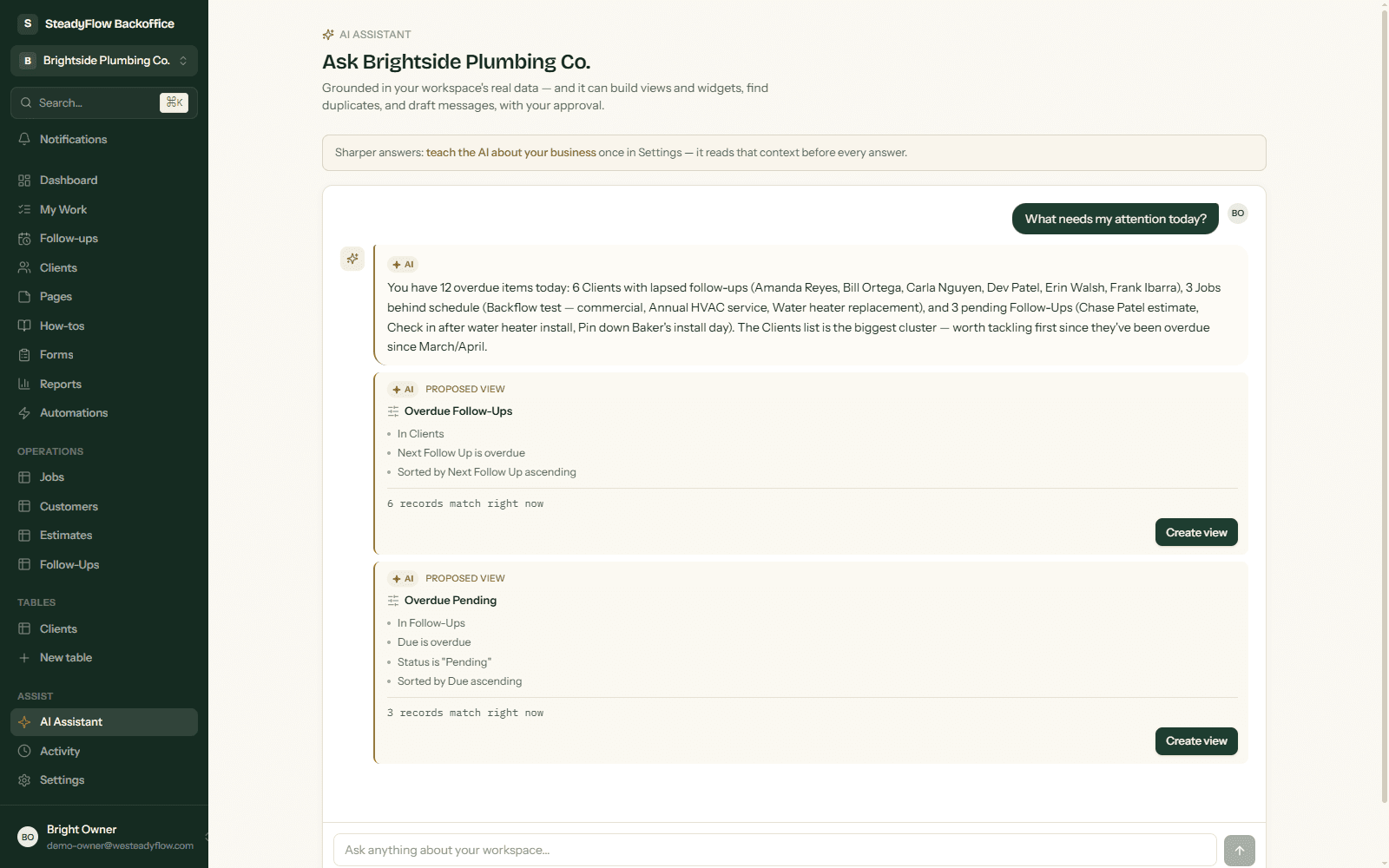
The assistant answers from your records and your client pages, in gold so you always know what the AI wrote. When it proposes a view, a widget, or a cleanup, you see exactly what will change before it does.
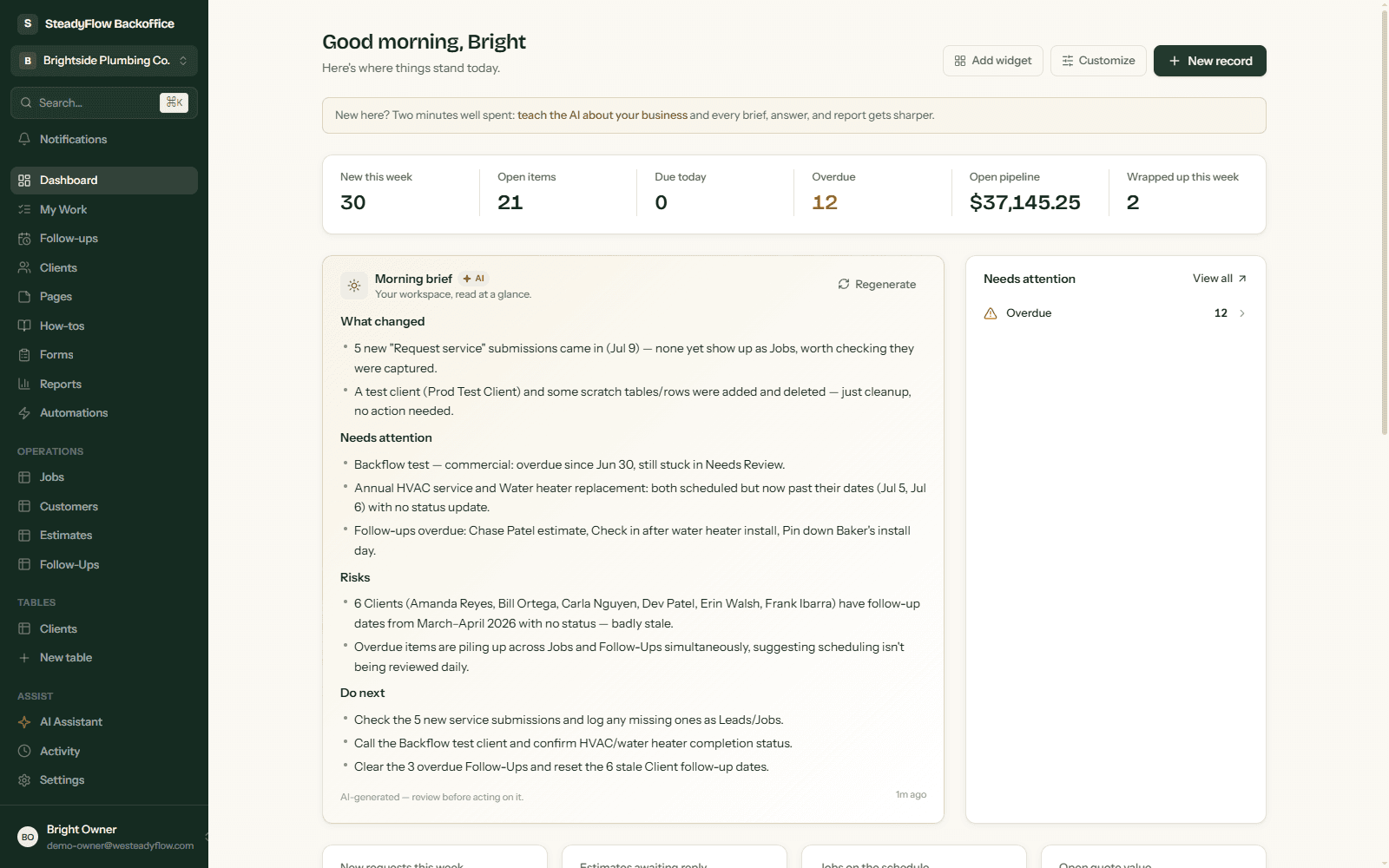
The dashboard reads your whole workspace: live numbers, what is new, what is overdue, and an AI morning brief written from your actual records. Sections you do not want, you hide.
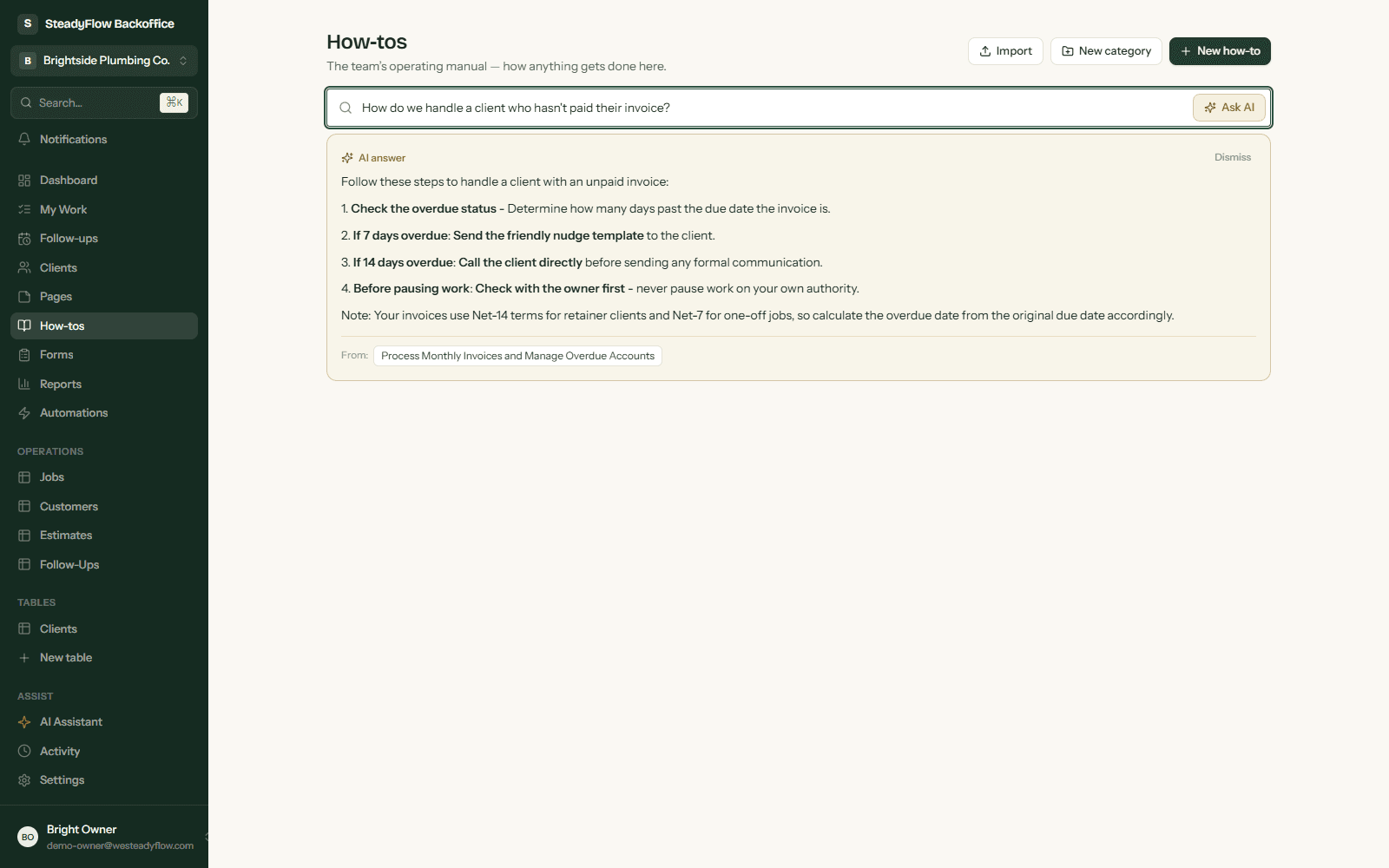
The way things get done at your company usually lives in the owner's head. How-tos moves it into the workspace: import your existing docs and PDFs in bulk, organize with one AI pass, and let the team ask questions that get answered with sources.
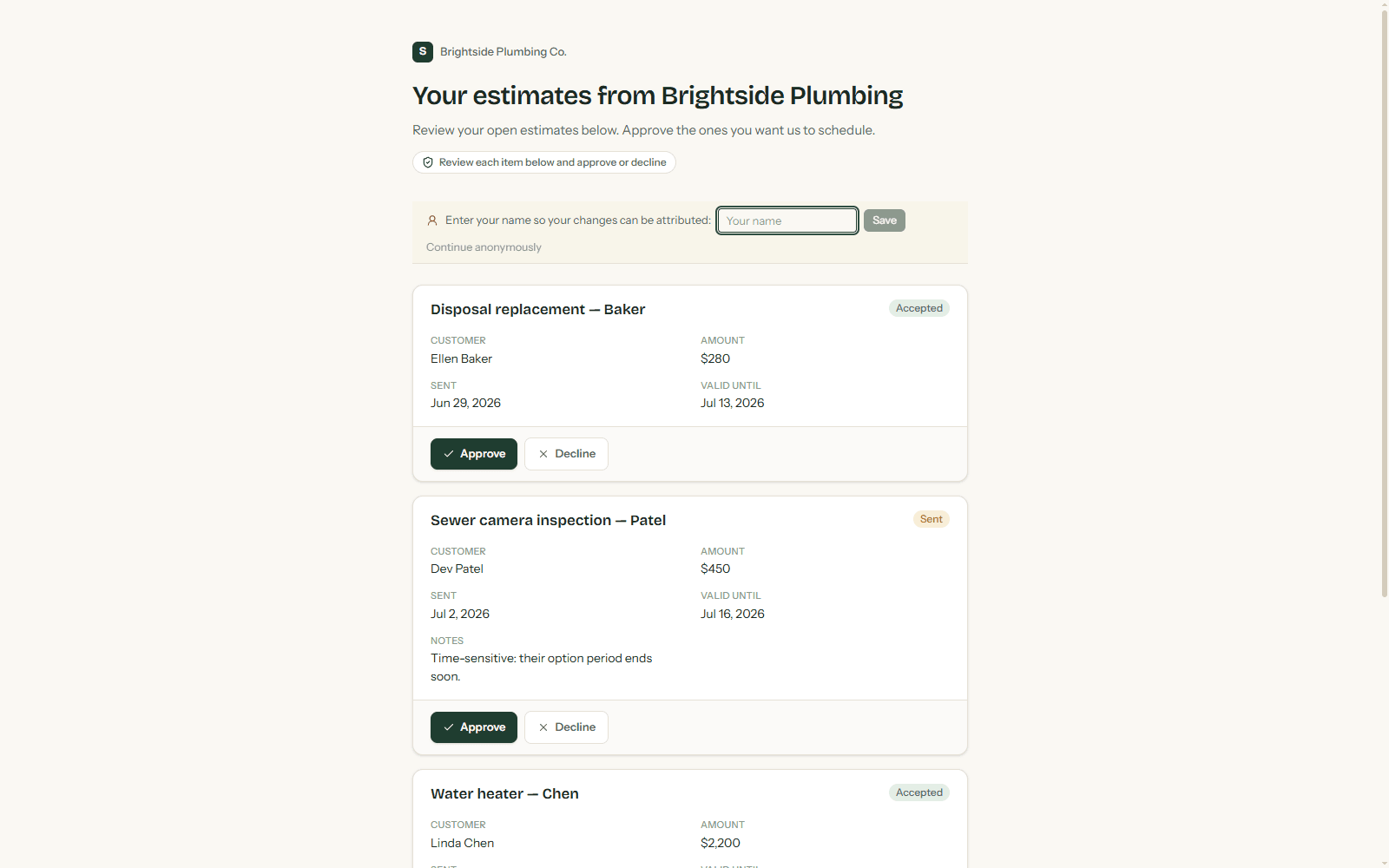
Share a scoped link and a client sees only what you chose: their estimates, their project, their files. They approve, decline, or upload without an account, and it all lands back in your workspace with a paper trail.
The relationship starts with one client record: ownership, status, contact context, and the next meaningful action.
ContextThe record surfaces where the relationship is starting to drift, without moving the issue into another disconnected system.
WorkTasks and commitments stay attached to the client record instead of disappearing into a separate task list.
WorkUpdates, notes, and decisions become permanent context, so the next person does not have to reconstruct what happened.
ContextThe operating process moves forward while the history underneath it stays attached to the same client.
WorkReports become another layer of the client story, connected to the work that created them.
VisibilityPortal activity is another layer on the same relationship, not another place the team has to keep in sync.
VisibilityBecause work, context, and visibility live together, AI can summarize what changed, what matters, and what should happen next.
AITasks, updates, decisions, reports, portals and AI are different kinds of work. They become layers of the same client history.
The unglamorous parts, because those are the ones you will care about in month six.
Google and Meta accounts per client, grouped by business, with cost and cost per click. Rows appear on their own for any client whose services mention ads, and linking a Google account pulls the numbers in nightly, read-only so a sync never fights a typed figure. One-page report, grouped by platform, ready to print.
A relationship manager sees the accounts, the history, and the work, and no money at all. The figures are stripped on the server, not hidden in the page.
Each teammate gets only the tabs they need and lands on the page they work from. Set it per person, in one dialog.
Private to you by default. Share a note with the people you name, or the whole business, from the note itself. A note pinned to a client belongs to the client.
Public intake forms create records directly, with optional AI triage that summarizes and prioritizes each submission before your team sees it.
When a status changes, a follow-up comes due, or a form arrives, the workspace can flag records, log activity, run AI, or send an email. You define the rules once.
Anything that can send a POST request can create records: Zapier, Make, your website, your phone system.
Every change to every record is captured. See what changed, who changed it, and restore any value.
One click downloads everything: every record as CSV, plus your notes, forms, and automations. Your data stays yours.
Assignments and mentions notify the right person, in the app or by email, on their schedule.
Meetings, deadlines, tasks and days off on one shared calendar, colour-coded by kind.
Is the software not the whole answer? Some businesses need someone to come in, work out how the place actually runs, and build the missing pieces around it. That is the other half of what SteadyFlow does.
Work with Ashton directly →Tell me what you keep track of and where the work goes missing, and I will come back with what your workspace would look like. I reply personally, usually the same day.